We’re coming up on winter and it’s time for holiday travel for many of us. Here are some of my favorite websites and apps that Chris and I use while traveling.
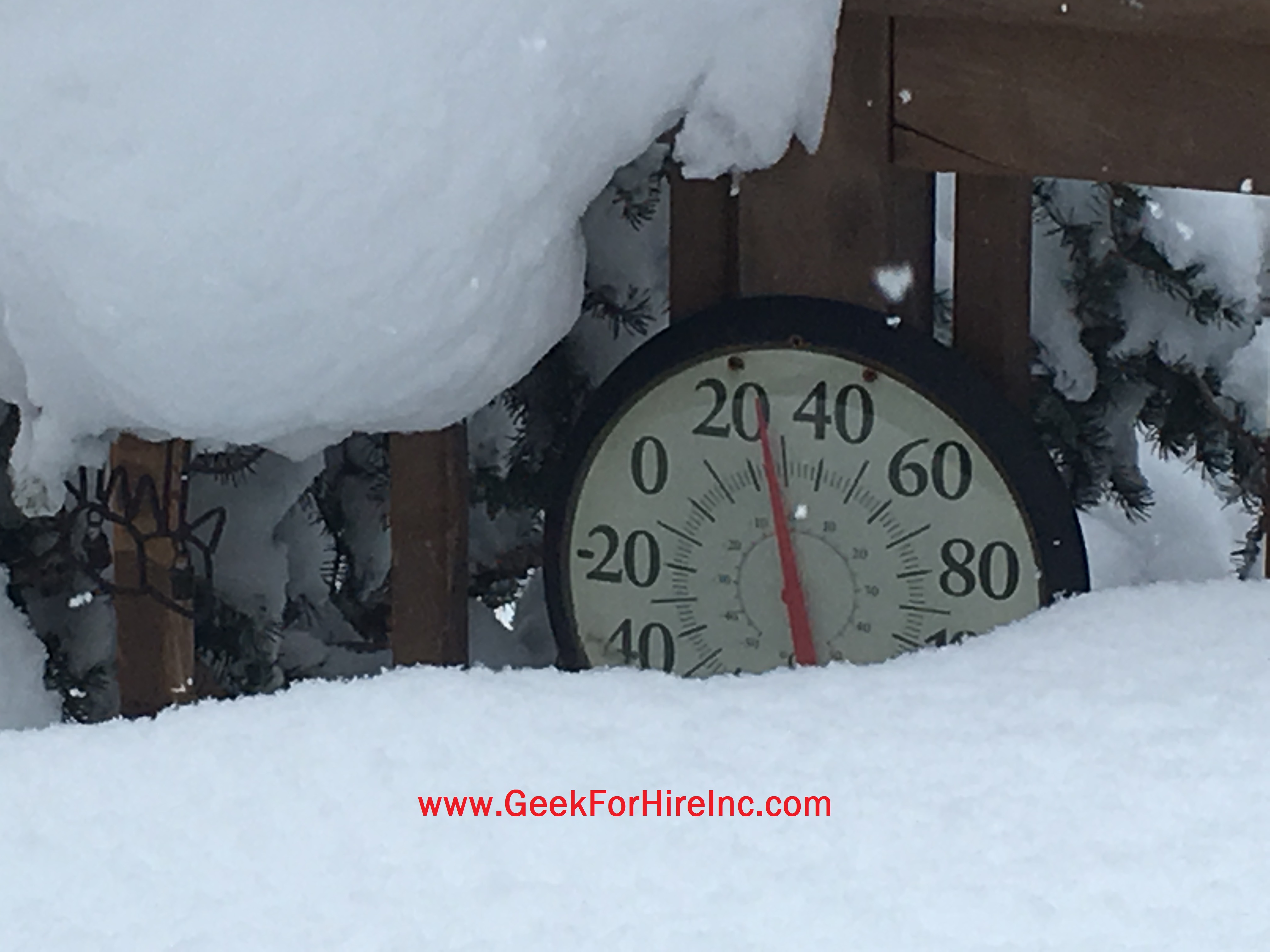
Holiday Travel by Air:
Google Flight:
When making airline reservations I try to make them one or two months prior to the trip to minimize the cost. I also use Google’s Flight page to price out different times and different airlines. Other things I have heard about, but haven’t tried yet are to make reservations very early (before 6am!) on Tuesday or Wednesday and to use Incognito mode. (Click on the three dots in the upper right corner of your browser.) Some browsers may call it something different, like “private browsing”, but essentially your browsing history won’t be sent to the airline. Airlines use your past browsing history to adjust (i.e. increase) your pricing.
FlightAware:
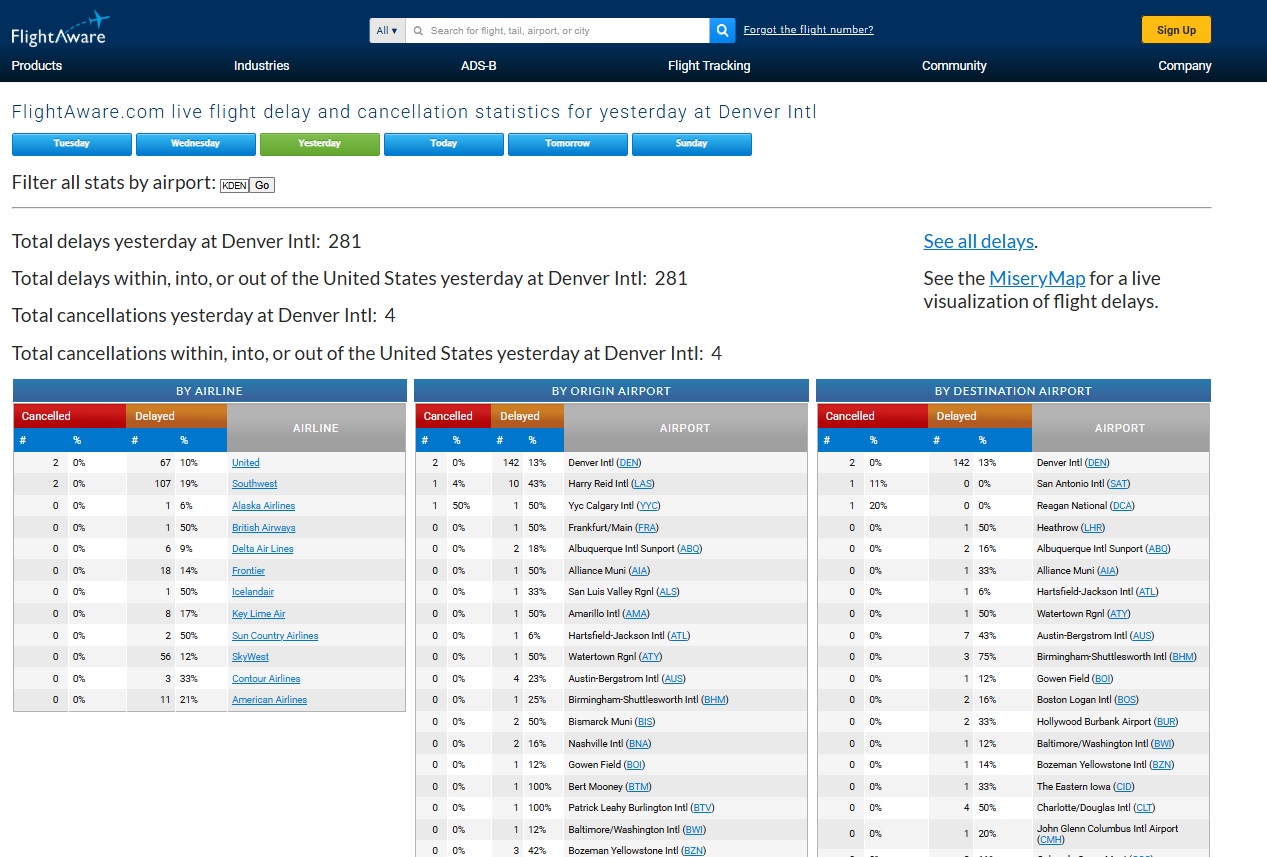
For airline delays I like FlightAware. They have a site with slick graphics which they’ve aptly named the Misery Map which shows cancellations at many of the US airports. Click on this link if you want to see all of the cancellations and delays from many of the world’s airports. You can customize it to only show the flights in and out of a particular airport, like this screenshot for Denver.
Flight Radar:
To track a particular flight, I use FlightRadar24. I can enter the flight number, the route, or the airline. The app shows the altitude, speed, position, and arrival time for that flight. This is helpful when you are picking someone up at the airport. You can see approximately what time they will arrive and if there are any delays. This lets you time your drive so you won’t be waiting a long time.
Road Trips:
Waze:
I primarily use Waze as my GPS. Not only does it tell me how to get from here to there, it will also update me on road conditions. I’ll know ahead of time if there is debris in the road, if a lane is closed, or if there is a speed trap up ahead. Search the app store to find Waze and then download it. Waze is very helpful for holiday traveling. Waze is owned by Google though, so I am cautious about how much information I share. I always turn it off when I arrive. This way Google can’t keep track of my locations. If I know how to get where I’m going, I might turn Waze on just to find out about traffic hazards, but not enter a destination.
Weather:
Zoom.Earth:
I only recently found out about Zoom.Earth. It tells you the weather for any spot on the globe. Zoom.Earth shows details for hurricanes and other storms. I’ve subscribed ($12/year) which gives me the ability to save favorite places. The graphics are really cool.
Earth :: Wind
Speaking of graphics, the earth.nullschool page is an exquisite work of art. It is one of my favorites, not because it’s great at predicting future weather, but just because it is so pretty!
WeatherWise:
I think WeatherWise gives me good situational awareness of the weather. It show areas of extreme weather like a winter storm watch. There are overlays to add satellite or radar views. You may already be familiar with this site if you’ve ever seen the Ryan Hall Y’All channel on YouTube.
Weather Underground:
My favorite of all the weather websites is Weather Underground. I like it because I have several different weather stations to choose from in my town. In addition to the forecast, Weather Underground tells me what’s happening right now. When you click on the information from a particular station, you can also see if they have a webcam set up. Then you can see the snow and wind for yourself! Those webcams are especially helpful if you’d like to see the weather for holiday travel. You can save several locations, so it’s easy to see what the weather will be before you get there.
Winter Weather Fun:
Holiday Travel to see the Northern Lights/Aurora Borealis:
We tend to see more aurora alerts in the winter than summer. (The air is less humid, and it’s darker longer. More scientific explanation here.) There are two sites I depend on to find out if there will be an aurora sighting nearby on any given night. If you hear something about solar activity, you’ll be more likely to see an aurora. Remember to go to a dark spot for best viewing. I’ve also found that I sometimes can’t see the aurora with the naked eye, but if I look through the camera on my phone, it is amazing!
My Aurora Forecast & Alerts shows me the chance of seeing the aurora in my location. If I have alerts turned on, it will chime (even if I have my phone set to NO Interruptions!) to tell me to look outside. Apple or Google Play.
The NOAA site has a graphic which shows the likelihood of an aurora in a particular place. A green band means “maybe you’ll see something”. A red band in your location means you will probably see an amazing show.
Information about Geek For Hire, Inc.
Chris Eddy of Geek For Hire, Inc. has provided computer service to families and small businesses with Macs and PCs for the past twenty-plus years. You can find more on our website or give us a call. Geek For Hire, Inc. provides on-site computer repair service (Tier 3 support) to the Denver / Boulder / Front Range area and remote PC and Mac service throughout North America.
We’ve been using Amazon Prime for the past few years. We like the free and fast shipping. With Prime, we have access to online streaming, too. You can get a free 30-day trial by clicking on this link: Try Amazon Prime 30-Day Free Trial. As an Amazon Associate, we earn from qualifying purchases.
Sign up to receive our monthly emails.
More Tips Here:
- Protect yourself from Data Breaches
- Back To School Tech
- Wildfire Season – Keep your tech Safe
- Tech Trivia
- Find a Lost File
- Moving Your Office Tech
- Spring Cleaning Your Tech
- STEM Toys for kids
- I Got Scammed
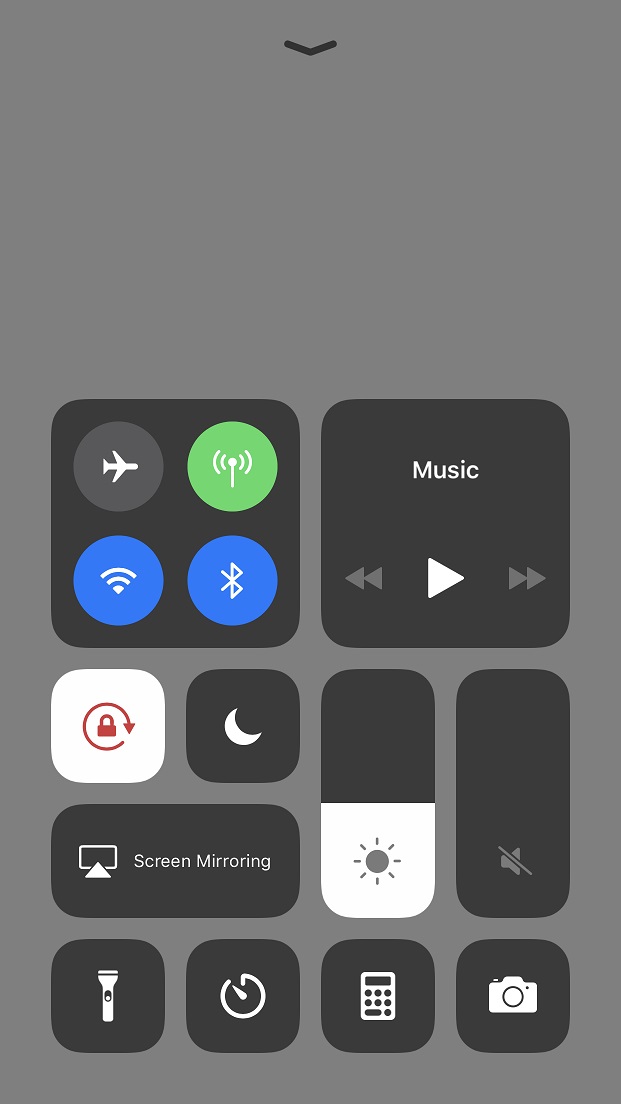
 he WiFi in your house goes out, you (or your children) can still have access to WiFi via your cell phone. (You’re generally only allowed to connect one other device to your phone via its hot spot.)